Automate your trades with Autoview
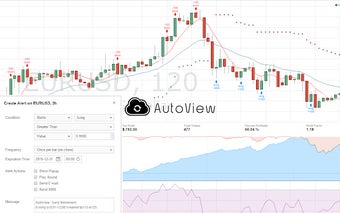
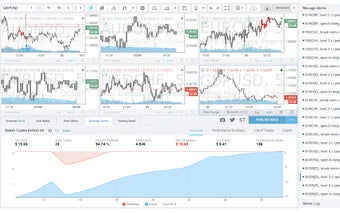
Autoview is a Chrome extension developed by Rising Factor Inc. that allows traders to automate their trades using TradingView alerts. This powerful tool brings your trading to the next level by connecting your favorite exchanges to TradingView, enabling you to execute trades in real-time.
One of the standout features of Autoview is its Syntax Builder, which can be accessed through the Options page. This feature allows you to easily customize and create complex alert messages, giving you full control over your trading strategies. The Alert Syntax is also available on the Autoview website, providing additional resources for users.
Autoview also offers convenient exporting and importing of credentials, making it effortless to back up and recover your settings. This ensures that you can seamlessly transition between devices or recover your data in case of any unforeseen circumstances.
For any support needs, the Autoview team recommends creating a support ticket by contacting Additionally, users can find the complete change log on the Autoview Options page, keeping them informed about the latest updates and improvements.
With its comprehensive features and seamless integration with TradingView, Autoview is a valuable tool for traders looking to automate their trades and enhance their market analysis.